
Why Choose Shopify? An Honest Answer From People Who've Used It to Sell
Your platform should be invisible. You should not be thinking about it.
If your platform is something you deal with every week — plugin conflicts, checkout bugs, a theme that breaks when you update it — that's not a technical problem. That's a business problem. Every hour you spend managing your platform is an hour you're not spending on ads, product, or customers.
That's the real case for why merchants choose Shopify. Not that it's the most flexible platform, or the cheapest, or the one with the most features. It's that it gets out of the way and lets you run a store.
We've operated live Shopify stores. We've spent our own money on Meta ads and watched product pages fail to load fast enough to convert. We've dealt with payment gateway headaches at 2am before a campaign launch. When we say Shopify is the right platform for most growing merchants, that's not a sales pitch. It's the conclusion we keep reaching.
Here's the honest version of why.
Shopify vs WooCommerce: What Most Comparisons Get Wrong
Search "Shopify vs WooCommerce" and you'll find a hundred articles comparing feature lists. Themes. App counts. Pricing tiers. Most of them are written by people who haven't run a store — they've just read the documentation.
The features rarely matter. What matters is whether the platform costs you sales.
A WooCommerce store that needs four plugins to function has four potential points of failure. When one of those plugins conflicts with your theme update, your cart breaks. When your cart breaks during a campaign, you lose sales to everyone who doesn't refresh and try again. You also lose data, because broken checkout steps don't fire your conversion events cleanly.
This is not hypothetical. It happens constantly. We've taken calls from merchants who just ran a Meta ads campaign, spent $3,000 in ad spend, and can't figure out why the conversion rate was 0.4%.
The answer, often, is that something broke. Silently. And nobody noticed until the campaign was over.
Shopify's checkout doesn't break. That sounds like a low bar. It is, and it matters enormously.
If you're considering whether to switch to Shopify, this is the first thing worth understanding: you're not buying a prettier admin. You're buying a platform where the fundamentals work.
What Shopify Actually Gets Right
The Checkout
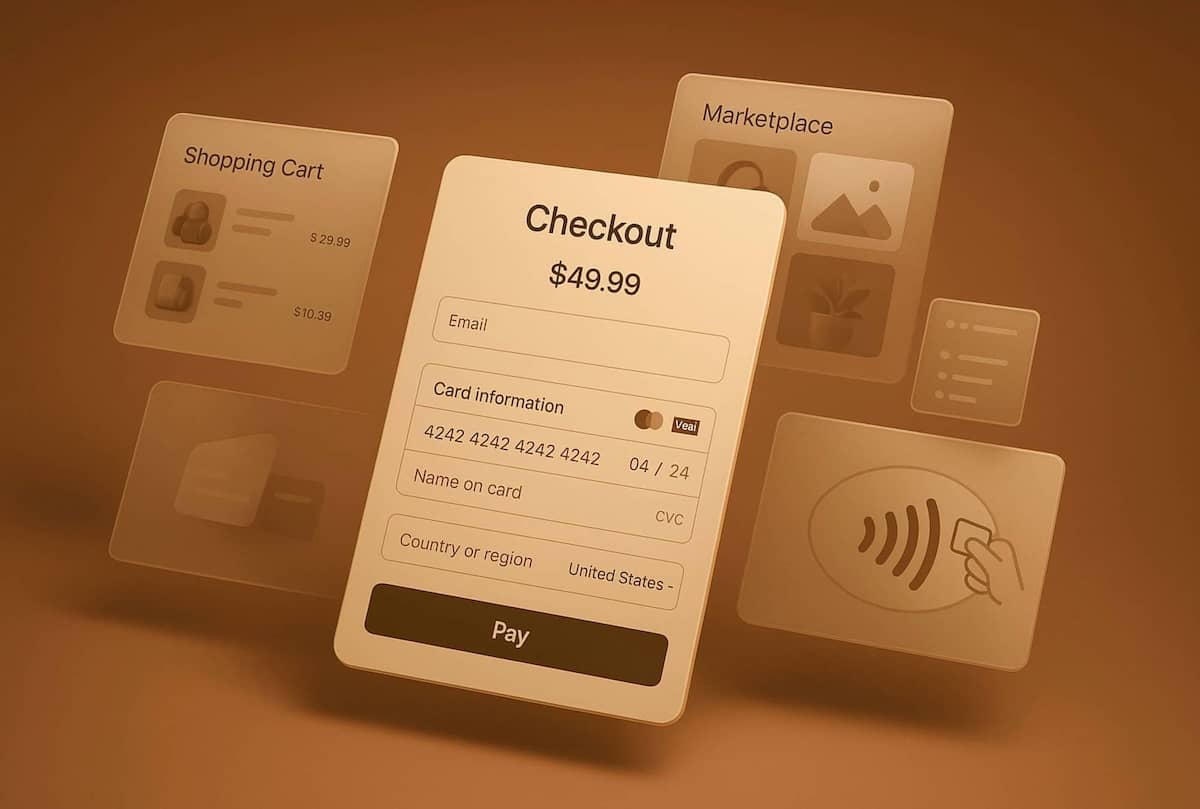
Shopify's checkout converts better than most merchants' custom checkouts. The pattern is consistent: merchants who migrate from WooCommerce to Shopify typically see checkout completion rates improve — not because the new checkout is beautifully designed, but because it's reliable, fast, and doesn't leak sessions.
Shopify has processed over $1 billion in quarterly revenue reflecting hundreds of billions in merchant sales flowing through the platform. They've optimized their checkout with more data than any individual merchant will ever accumulate. The mobile checkout flow, the address autocomplete, the saved payment methods — these are not cosmetic features. They directly affect whether someone completes a purchase.
When Ana moved her handmade ceramics store from WooCommerce to Shopify in early 2025, she expected the migration to be about appearances. What she didn't expect was a 23% increase in mobile checkout completion within the first 60 days. Same traffic. Same price points. Different platform completing the transaction reliably.
Performance by Default
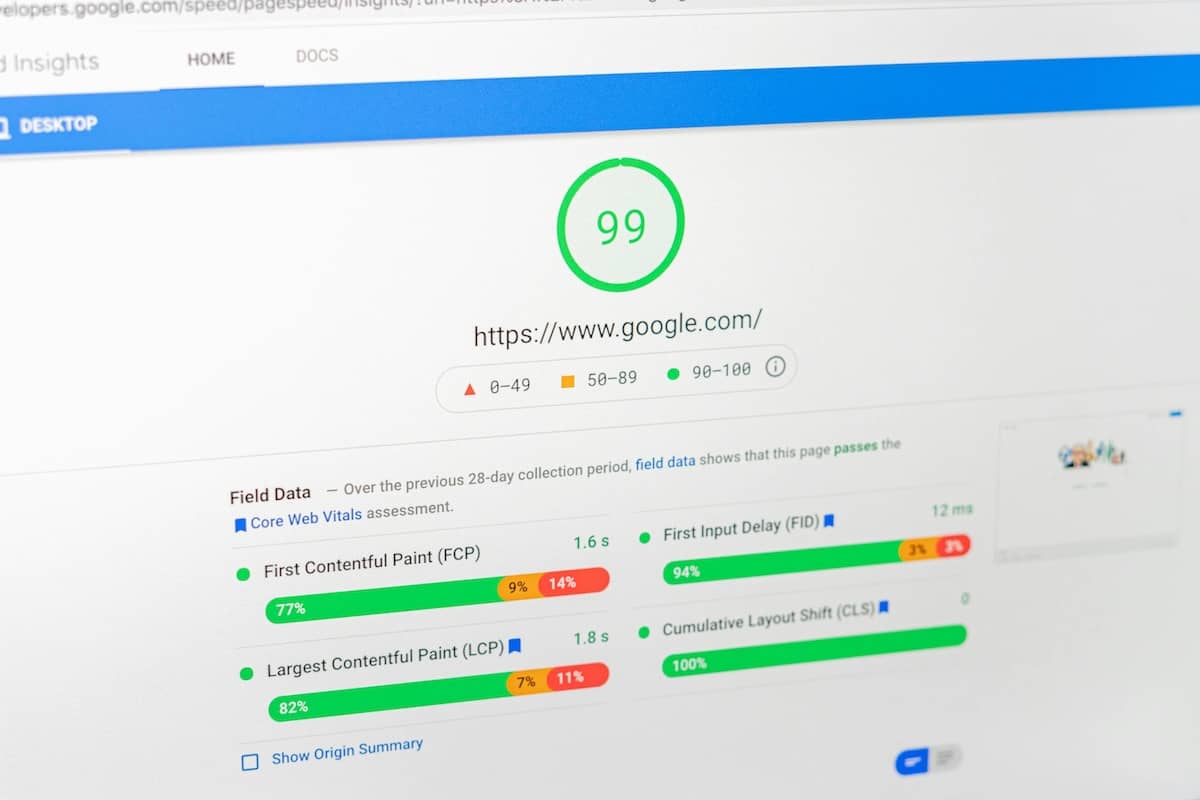
Shopify's infrastructure handles speed better than most self-hosted setups out of the box. A well-configured Shopify store with a fast theme and a clean app stack will consistently score in the 70s and 80s on PageSpeed Insights for mobile.
Compare that to a typical WooCommerce store: shared hosting, three caching plugins in conflict, a theme that loads 47 scripts, and a PageSpeed score of 38.
Speed is not an aesthetic preference. Research shows that as page load time goes from 1 second to 3 seconds, the probability of bounce increases 32%. At 5 seconds, it's 90%.
We audited one client's store before they migrated. LCP of 18.6 seconds on mobile. Lighthouse score of 53. They were running Meta ads to a page that most visitors gave up on before it loaded. After migration and speed optimization: LCP dropped to 695ms. Lighthouse: 82 to 86. Same ad budget. More of it actually reaching people who saw the page.
See the Speed Audit — $199The App Ecosystem
Shopify has approximately 8,000 apps in its App Store. Most of them are garbage. But the ones that matter — Klaviyo for email, Okendo or Judge.me for reviews, Rebuy for product recommendations, Seal Subscriptions for recurring revenue — are genuinely good, maintained, and tested against Shopify's infrastructure.
The WooCommerce equivalent often means a plugin that was last updated in 2022, conflicts with your checkout plugin, and has a support forum full of "still waiting for a fix" threads.
The quality of the Shopify app ecosystem reflects the commercial stakes. Developers build Shopify apps because the install base is worth building for. The network effect creates a floor of quality that competing platforms can't match.

Reliability
Shopify's uptime is genuinely better than what most merchants can achieve with a self-managed stack. When Black Friday traffic spikes come, Shopify absorbs them. WooCommerce stores on underpowered hosting crash under load. The moment your store goes down during a peak traffic event is the moment you discover what unreliable hosting actually costs.
The Honest Drawbacks of Shopify
We're not here to sell you Shopify. We're here to help you sell on Shopify — there's a difference.
Transaction Fees
If you're not using Shopify Payments, Shopify charges a transaction fee on every order: 2% on Basic, 1% on Shopify, 0.5% on Advanced. At scale, this adds up. A merchant doing $500K per year in revenue on the Basic plan using a third-party gateway pays $10,000/year in transaction fees alone.
This is not a reason to avoid Shopify. It's a cost to model correctly.
Monthly Cost
Shopify Basic is $32/month. The Shopify plan is $92/month. Advanced is $399/month. You're paying whether you're selling or not.
WooCommerce is free software. But "free software" plus hosting, security, performance optimization, plugin licenses, and the developer you call when something breaks is not free. Most merchants undercount the real cost of maintaining WooCommerce. The relevant comparison is total cost of ownership, not license fee.
Customization Has Limits
Shopify's checkout customization is restricted on non-Plus plans. If you need a fully custom checkout flow — complex B2B requirements, multi-step quote processes, custom pricing rules by customer segment — Shopify Core will fight you.
For most merchants in the $500K–$5M revenue range, this is not a real constraint. The standard checkout converts well and you don't need to redesign it. But if your business model genuinely requires checkout customization that Shopify doesn't support, that's worth knowing before you migrate.
Who Should Switch to Shopify?
Shopify is the right platform when your priority is reliability, scalability, and getting out of the way.
You're a good Shopify fit if:
- You're spending significant time managing platform issues instead of growing your business
- Your current checkout has reliability problems or slow load times
- You want to sell in multiple markets or currencies without maintaining separate installations
- You're running ads and need clean conversion tracking and a fast destination page
- You're growing and need a platform that handles traffic spikes without a dedicated DevOps function
You're probably already overdue for Shopify if:
- Your cart broke during an ad campaign and you only found out later
- A plugin update broke something on your site
- Your PageSpeed score is below 50 on mobile
- You're dreading your next WooCommerce update
- You've spent money on a developer to fix something that should just work
Is Shopify a Good Fit for Small Business?
For small businesses, the math depends on revenue. If you're doing fewer than $5K/month, the monthly cost matters more. At $50K+/month, the question inverts: what's the cost of platform friction? For most merchants at or above that threshold, Shopify pays for itself in checkout reliability alone.
When Shopify Is Not the Right Answer
Shopify is not the right platform if:
You need full control over the database.
Shopify is a SaaS platform. Your data lives in Shopify's infrastructure. If your business model requires direct database access, custom server configuration, or your own backup/restore infrastructure, Shopify will be the wrong fit.
You have a complex B2B model.
Net-30 invoicing, customer-specific pricing, complex quote flows — these require either Shopify Plus or workarounds that often create more complexity than they solve.
You're building something that requires custom application logic.
Shopify is a commerce platform, not a general application framework. If your "store" is really a custom marketplace or requires deep application logic, Shopify is the wrong layer to build on.
For the merchants we work with — SMBs doing serious revenue who want to grow — these exceptions rarely apply.
The Migration Decision
Switching platforms is not an afternoon project. A properly executed migration from WooCommerce, İkas, or Ticimax to Shopify involves product data transfer, 301 redirect mapping to preserve SEO equity, payment gateway setup, theme configuration, and launch testing.
Done poorly, it can cost you rankings, revenue, and months of recovery time.
Done correctly, it's a one-time investment that removes years of platform friction from your operations. The merchants who regret migrating are almost always the ones who rushed it or cheaped out on execution. The ones who regret not migrating sooner are far more common.
We handle fixed-price Shopify migrations: $2,500 for stores up to 500 products, $5,000 for larger or multi-language stores. No surprises, no hourly billing.
If you're not ready to migrate but need to understand the scope of what's wrong with your current setup, a Store Health Audit is the right first step. 72-hour delivery. A prioritized action plan. You'll know exactly what you're dealing with.
What Switching to Shopify Actually Looks Like
Kemal had been running his outdoor gear store on WooCommerce for four years. He'd built a loyal customer base, had solid SEO rankings, and was spending about $8,000/month on Meta and Google ads.
He came to us because his conversion rate had been declining for 18 months. He'd tried new ad creatives. New landing pages. New offers. Nothing moved the needle.
We ran a store audit. Mobile PageSpeed: 31. LCP: 12 seconds on 4G. Three checkout plugins in conflict — one of them was silently failing to pass UTM parameters to GA4, meaning his ad attribution was broken and he was making budget decisions on bad data. Abandoned cart emails firing at the wrong time because the plugin was misconfigured.
He migrated to Shopify. We rebuilt the store on a fast theme with a clean app stack. Fixed the analytics. Six weeks later, his conversion rate was 2.1x what it had been for the previous year.
The ads didn't change. The platform did.
Kemal moved to a monthly growth retainer after the rebuild to keep running CRO experiments and A/B tests. That's the pattern: fix the foundation, then optimize continuously.

Frequently Asked Questions
Is Shopify worth it for a small store?
For small businesses, the math depends on revenue. If you're doing fewer than $5K/month, the monthly cost matters more. At $50K+/month, the question inverts: what's the cost of platform friction? For most merchants at or above that threshold, Shopify pays for itself in checkout reliability alone.
How long does migrating to Shopify take?
A clean migration with up to 500 products typically takes 10–14 business days, including product transfer, redirect mapping, theme setup, and launch testing. Larger or more complex stores take longer. We don't rush launches.
Will I lose my SEO rankings when I migrate?
Only if the redirect mapping is done incorrectly. Every URL on your current store needs to map to its Shopify equivalent with a proper 301 redirect. When this is done right, rankings transfer intact. We've handled this for multiple clients and none of them lost significant organic position.
What happens to my order history if I migrate?
Order history can be migrated. It requires a custom import and some data cleanup, but it's doable. We include order history migration in all migration packages.
What's the difference between Shopify and WooCommerce?
Shopify is a hosted SaaS platform — infrastructure, security, and updates are handled for you. WooCommerce is open-source software that runs on WordPress, meaning you manage hosting, security, plugin compatibility, and performance yourself. Shopify costs more on paper. WooCommerce costs more in practice once you factor in developer time, plugin licenses, and the revenue lost to checkout bugs and slow load times.
Is Shopify Worth It? The Bottom Line
Shopify is not perfect. It has real costs and real constraints. But for merchants who are serious about growth, spending engineering time and mental energy managing a platform that keeps breaking is more expensive than any Shopify plan. The math usually isn't close.